KODAK Luma 500 vs KODAK Luma 75
Bold marks the better figure where both are stated to the same standard. “—” means the manufacturer doesn't state it.
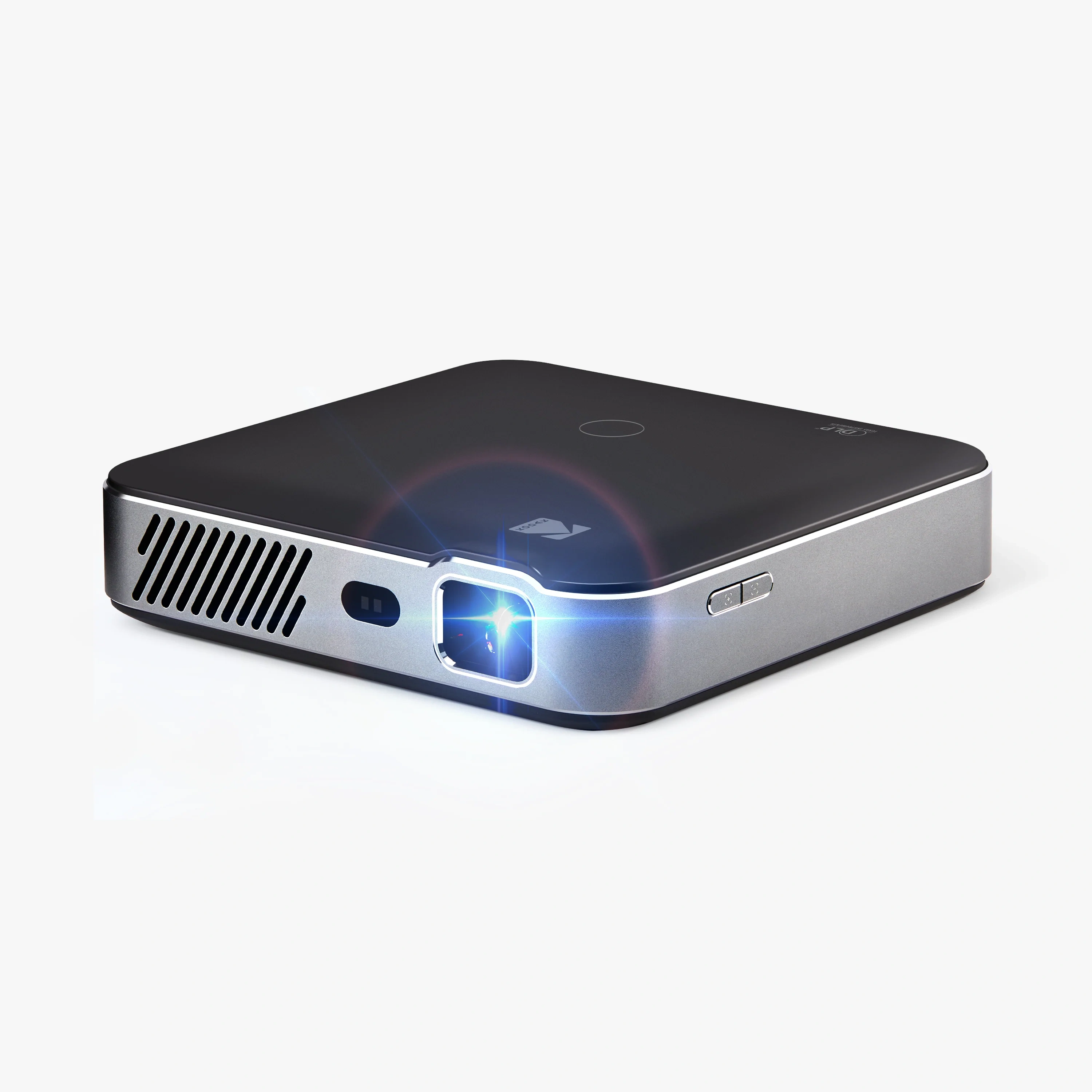 KODAK Luma 500 KODAK Luma 500MSRP $643.99 | 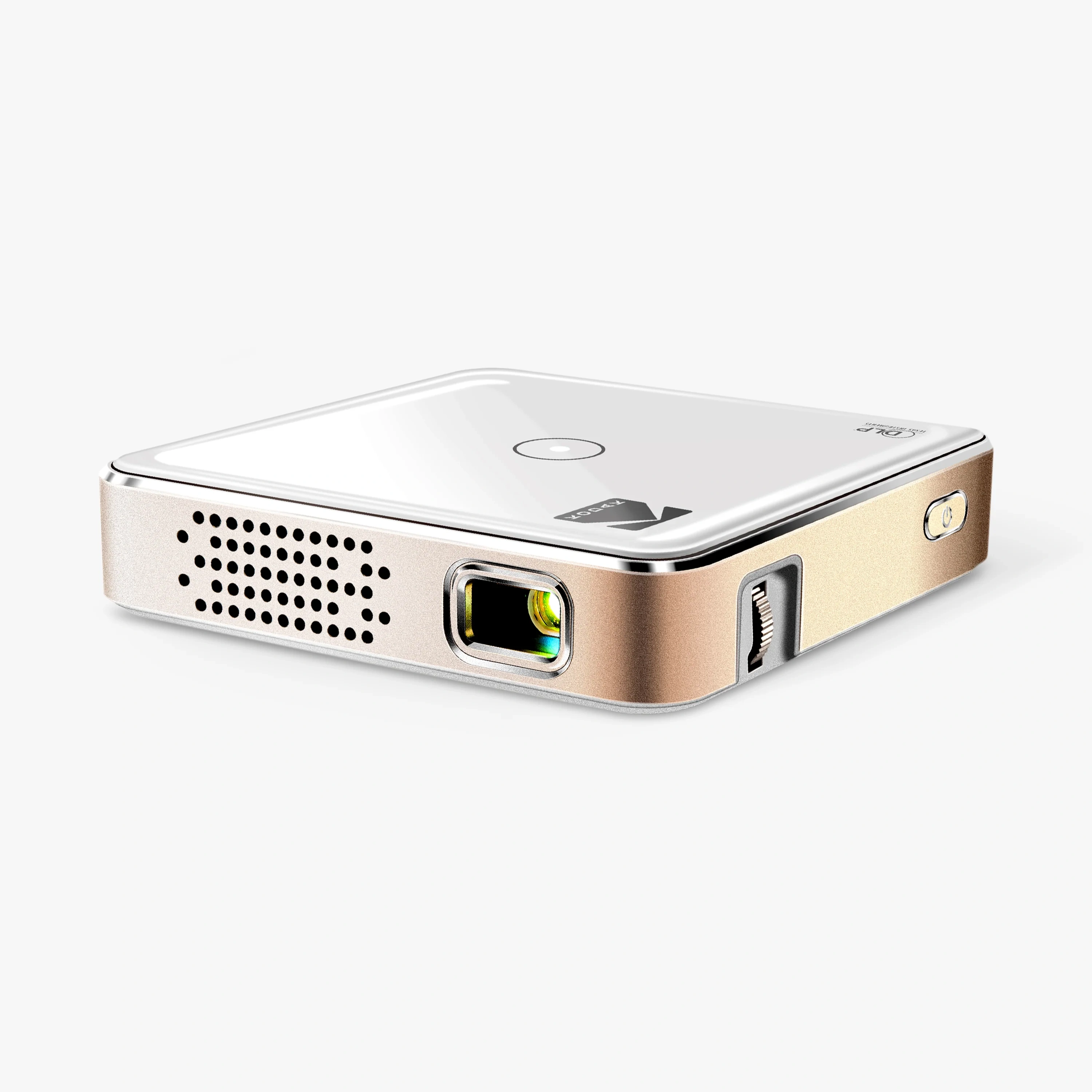 KODAK Luma 75 KODAK Luma 75MSRP $199.99 | |
|---|---|---|
| Display system | ||
| Imaging technology | DLP | DLP |
| Technology brand | DLP | DLP |
| Chip / panel diagonal | 0.23 in | — |
| Native aspect ratio | 16:9 | 16:9 |
| Native resolution | 1920 × 1080 | 640 × 360 |
| Optics | ||
| Throw ratio | 1.2:1 | 1.6:1 |
| Focus | Auto | Manual |
| Fixed offset | 100% | 100% |
| Image size range | 10–150 in | 5–100 in |
| Corner / warp correction | 4pt | — |
| Light source | ||
| Light source type | LED | LED |
| Light source detail | RGB LED | RGB LED |
| Light source life | Rated: 30,000 h | LED: 30,000 h |
| Brightness | ||
| ANSI lumens | 160 lm | 35 lm |
| Brightness uniformity (centre-to-corner) | 90% | 90% |
| Contrast & black level | ||
| Dynamic contrast | 2,000:1 | 400:1 |
| HDR | ||
| HDR formats | HDR10+ | — |
| Audio | ||
| Speaker power | 3 W | — |
| Speaker count | 2 | 2 |
| Audio outputs | 3.5 mm, Bluetooth | 3.5 mm, Bluetooth |
| Bluetooth audio out | Yes | Yes |
| Inputs, control & connectivity | ||
| Max input signal | 3840 × 2160 | 1920 × 1080 |
| HDMI port count | 1 | 1 |
| USB media playback | Yes | Yes |
| Bluetooth version | 5.0 | 5.0 |
| Firmware / software | ||
| Smart OS | Google TV | — |
| Netflix | Native | — |
| Casting | Chromecast built-in | — |
| RAM | 2 GB | — |
| Storage | 16 GB | — |
| Setup automation | ||
| Auto keystone | Yes | — |
| Environment & power | ||
| Operating temperature | — | 5–35°C |
| Operating orientations | Table, Ceiling, Rear | — |
| Rated voltage | 15 V | 5 V |
| Power consumption (max) | 36 W | 10 W |
| Standby power | 0.5 W | — |
| Power supply | External brick | USB-C |
| Battery runtime | 120 min | 90 min |
| Physical & installation | ||
| Width | 132 mm | 88 mm |
| Depth | 132 mm | 88 mm |
| Height | 34 mm | 22 mm |
| Weight | — | 0.18 kg |
| Colours / finishes | Black, White | — |
| Tripod socket | Yes | Yes |
| Safety & compliance | ||
| Safety & market certifications | FCC | FCC |
| Support & ownership | ||
| Warranty | 🇺🇸 US 1 yr | 🇺🇸 US 1 yr |
| User manual | https://cdn.shopify.com/s/files/1/0568/7024/0322/files/EN_Kodak_Luma_500_RODPJS500_RODPJS500B_Manual.pdf?v=1744802853 | https://cdn.shopify.com/s/files/1/0568/7024/0322/files/LUMA-75_Manual-5-6-26.pdf?v=1781769425 |
| In the box | ||
| Box contents | Projector, Power adapter, Remote, Aaa batteries, Quick start guide, Tripod | Projector, Hdmi cable, Usb cable, User guide |
| Remote type | Voice | — |